
Fix your night photos
Upload a dark, grainy shot and brighten it instantly — right in your browser. No account needed.
How it works
The two engines, the controls, and what's free — with the finer details waiting in tooltips right at each control.
Local vs Cloud AI
Local brightens instantly in your browser — nothing is uploaded. Cloud AI sends the photo to a night-photo model for a visibly cleaner result (free account required).
Sliders + Auto
Auto reads your photo and sets the sliders; drag any of them to take over. Every slider explains itself when you hover or focus it.
What's free?
Local is free and unlimited. Cloud AI is free within a small daily community limit — sliders never trigger processing; only the explicit process button does.
FAQ
Is my photo uploaded anywhere?
With the Local engine — never; everything happens in your browser. With Cloud AI the photo is uploaded over an encrypted connection, processed, and the source file is automatically deleted within 24 hours.
Why does Cloud AI need an account?
Cloud processing costs real GPU time. A free account plus a shared daily limit keeps it free for everyone.
Which files can I upload?
JPG or PNG up to 25 MB. HEIC and RAW support is coming soon. PNGs with transparency get a one-click "Convert to RGB and try again" helper for the cloud model.
Why did my first cloud photo take a few minutes?
After a quiet period the AI model boots from cold — the first run can take a few minutes; the next ones finish in seconds.
Can I process more than one photo at once?
No — Cloud AI works on one photo at a time and there's no queue. Starting a new photo leaves the current run behind, but it may still finish on our servers and count toward the day's shared cloud limit — so download your result before you switch.
Learn the craft
Three evergreen guides — also the SEO surface of the landing.
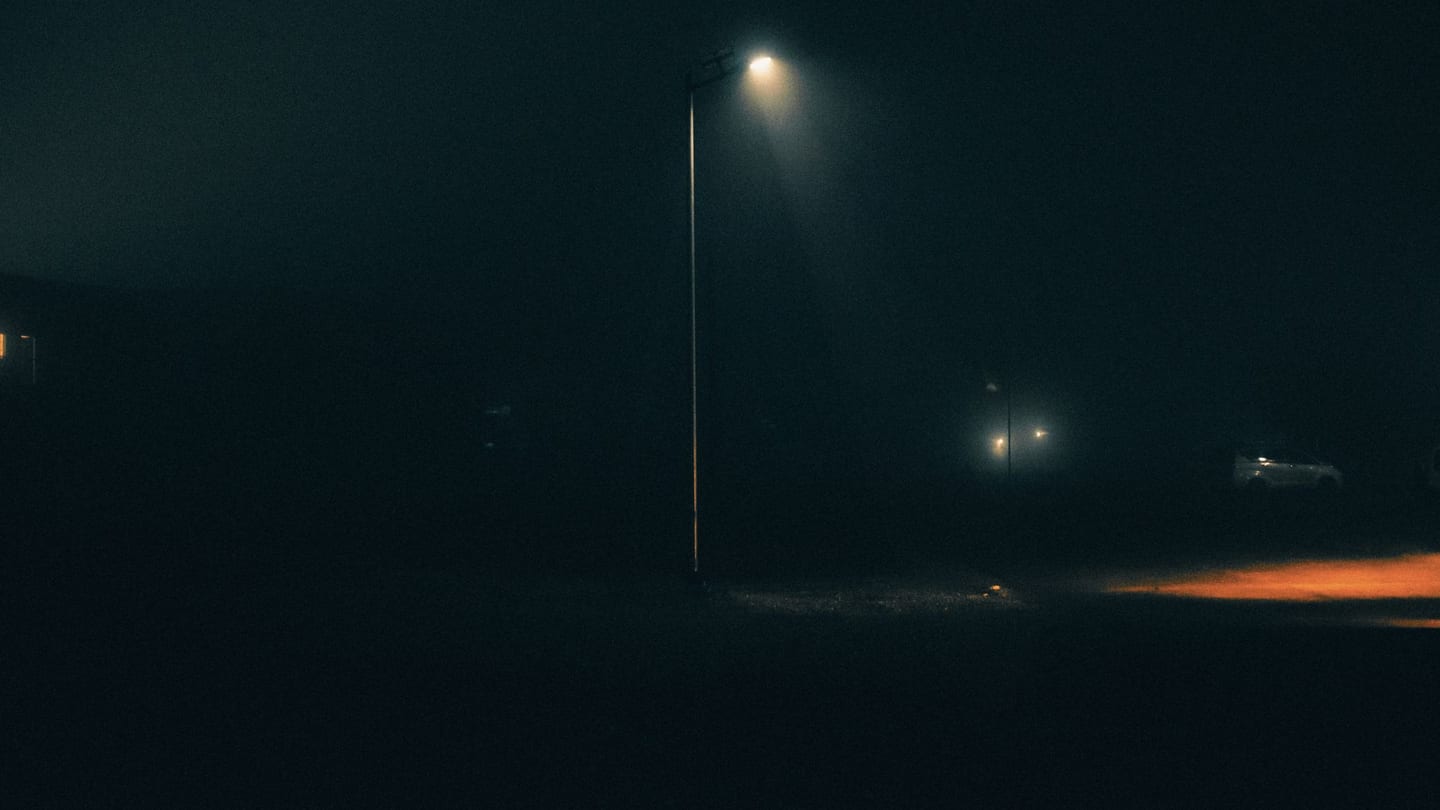
What actually ruins night photos — and what's fixable
Noise, underexposure, motion blur: which of the three your editor can rescue, and which you have to avoid at capture time.
Read the guide →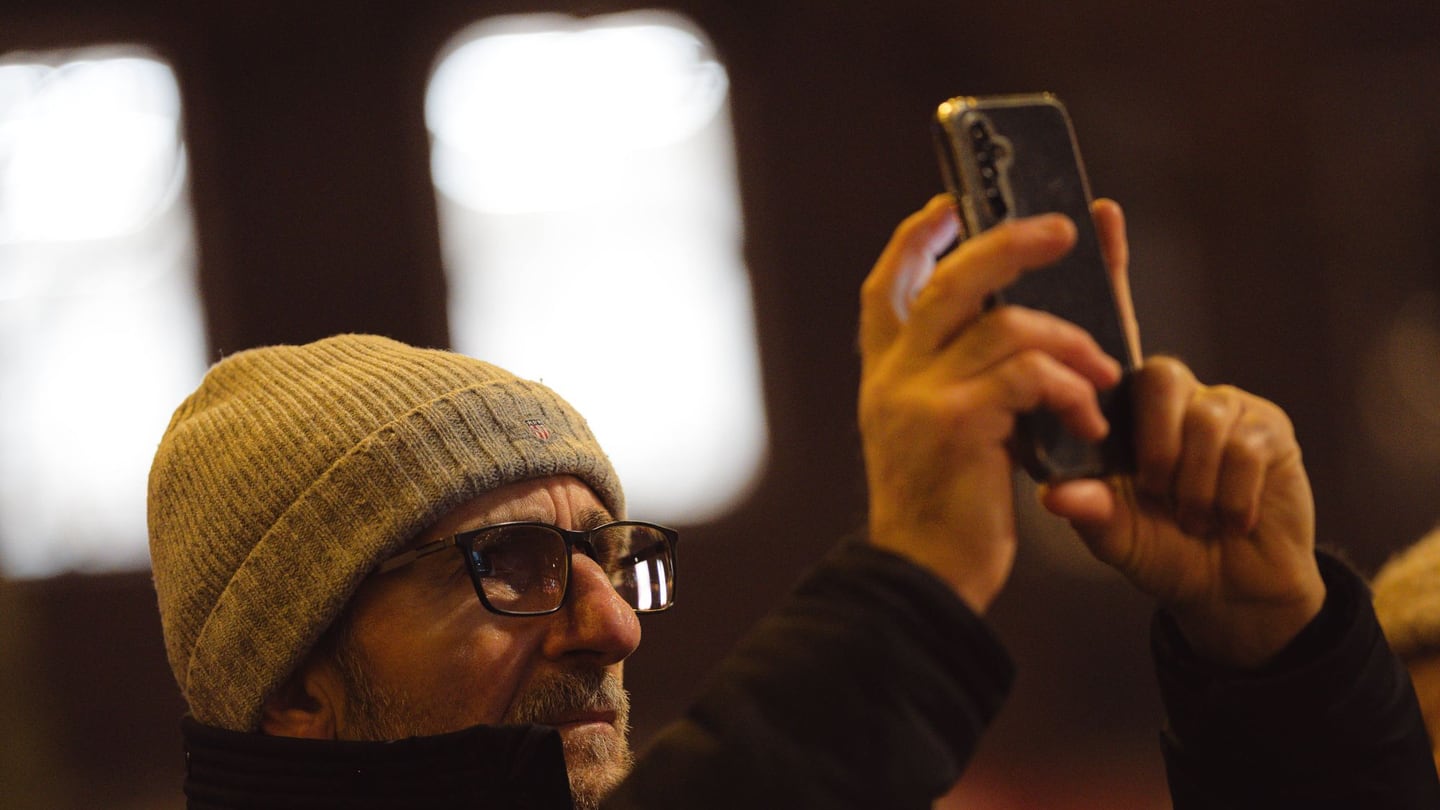
Shooting better night photos with the phone you have
Brace, expose for the highlights, skip digital zoom, let night mode finish — practical habits that beat any filter.
Read the guide →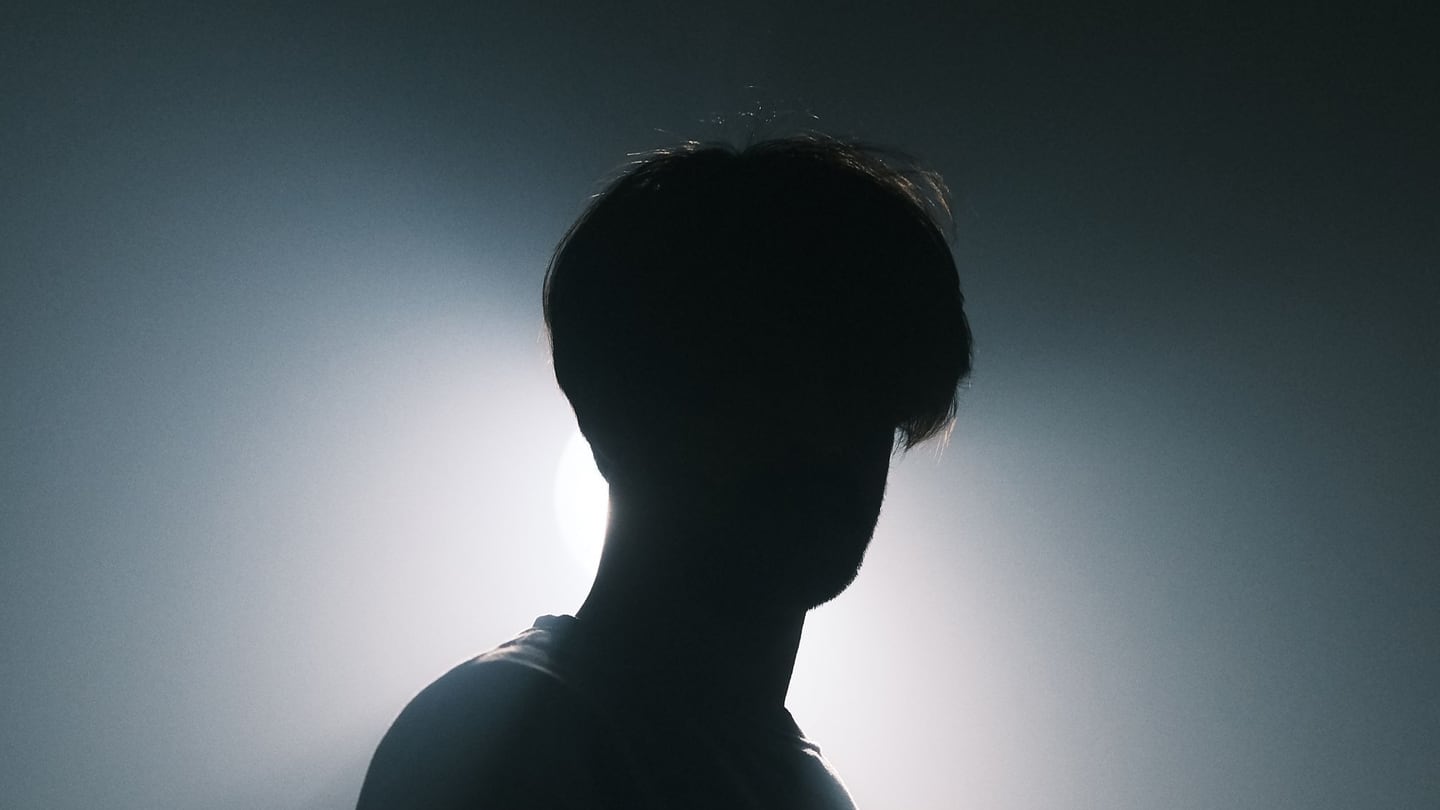
Shooting in difficult light: backlight, harsh sun, and everything between
Backlight, harsh sun, mixed colour, high contrast: name the light you're standing in, and the one move that saves the shot follows.
Read the guide →